![shipcalm-logos_all_white-2.png]](https://help.shipcalm.com/hs-fs/hubfs/shipcalm-logos_all_white-2.png?height=40&name=shipcalm-logos_all_white-2.png)
1. Open "Quick Actions" Search Bar
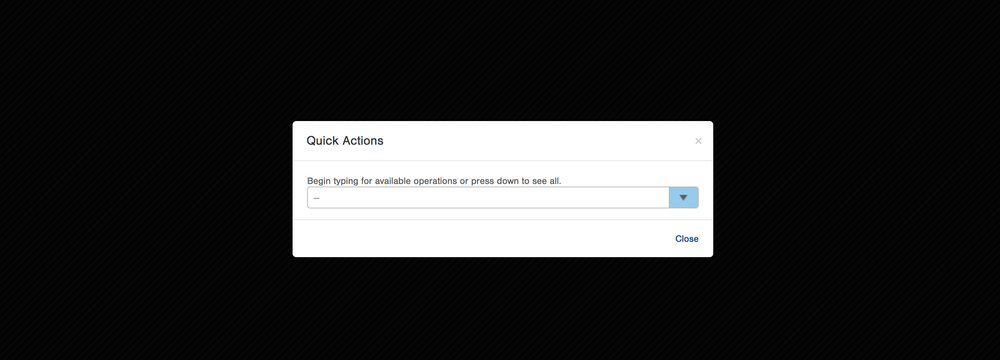
Click "."(period) on your Keyboard to open up the "Quick Actions" Search Bar. It should look like this:
2. Search "Item"
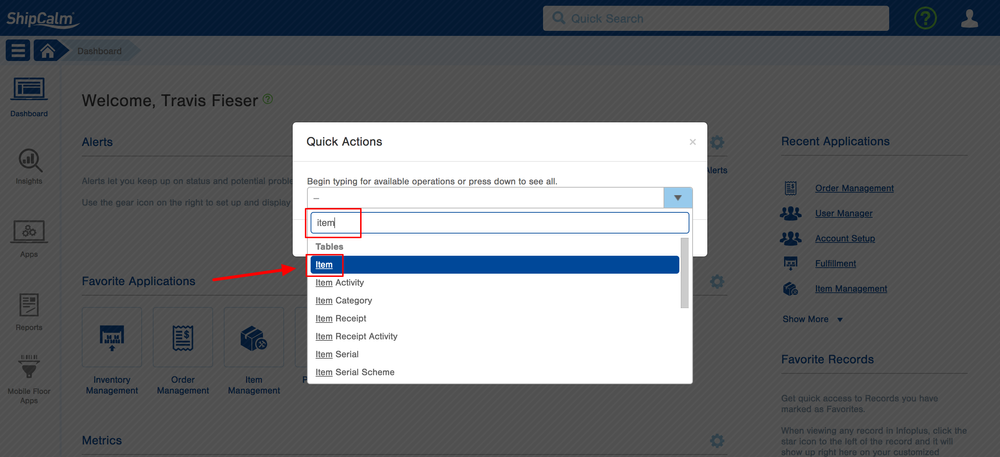
Type "Item" in the Search Bar and click "Item":
3. Search for the SKU in the "SKU" filter
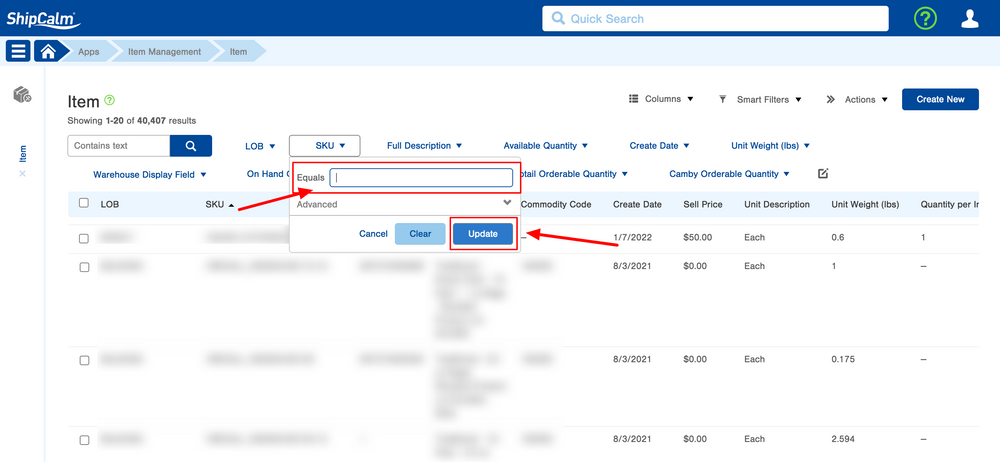
1. Use the "SKU" Filter to search for the SKU.
2. Click "Update" to find the SKU.